Robots.txt Tester
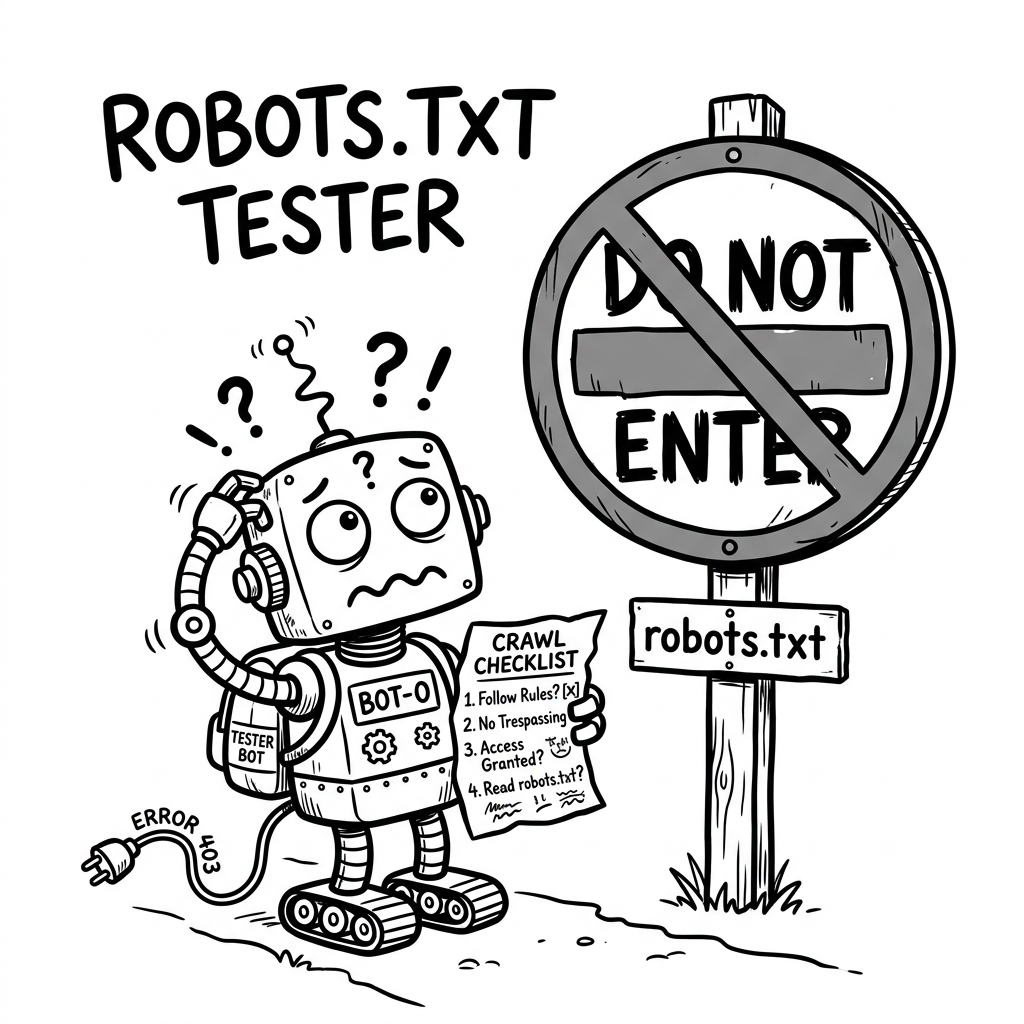
Test and validate robots.txt files. Check which URLs are blocked or allowed for any crawler — instant results, privacy-first.
Enter any URL — we'll automatically fetch /robots.txt from that domain
Why Test Your Robots.txt?
SEO Health Check
Search engines rely on robots.txt to determine which pages to crawl. A misconfigured file can silently block your most important pages from indexing.
Catch Typos & Errors
Common mistakes like Dissallow instead of Disallow are silently ignored by crawlers. Our validator catches them.
Test Any Crawler
Check how Googlebot, Bingbot, GPTBot, and other user-agents interpret your rules. The most specific user-agent match wins.
Robots.txt Examples & Patterns
Ready-to-use configurations covering the most common scenarios. Click any example to load it into the tester above.
Common mistakes — can you spot them? ⚠️
Even seasoned engineers make these critical errors that silently break their robots.txt.
-
cancel
Typo in directive:
Dissallowinstead of Disallow -
cancel
Missing
User-agent: *catch-all group - cancel Rules placed before any User-agent declaration — silently ignored
# No User-agent: * catch-all!
Disallow: /admin/ // ERROR: Before any group

User-agent: Googlebot
Dissallow: /private/ // ERROR: Typo
Allow: /private/press/

Sitemap: https://example.com/sitemap.xml
Frequently Asked Questions
How do I test my robots.txt file? expand_more
What does "Disallow: /" mean in robots.txt? expand_more
Disallow: / tells the specified crawler not to access any page on your site. Under a User-agent: * block, this blocks all search engines entirely. Commonly used on staging environments.
What's the difference between Allow and Disallow? expand_more
Disallow blocks crawlers from a path. Allow creates an exception within a Disallow rule. The most specific (longest) matching rule wins.
Why is my page not being indexed by Google? expand_more
Disallow rules or missing Allow exceptions.