JSON Formatter
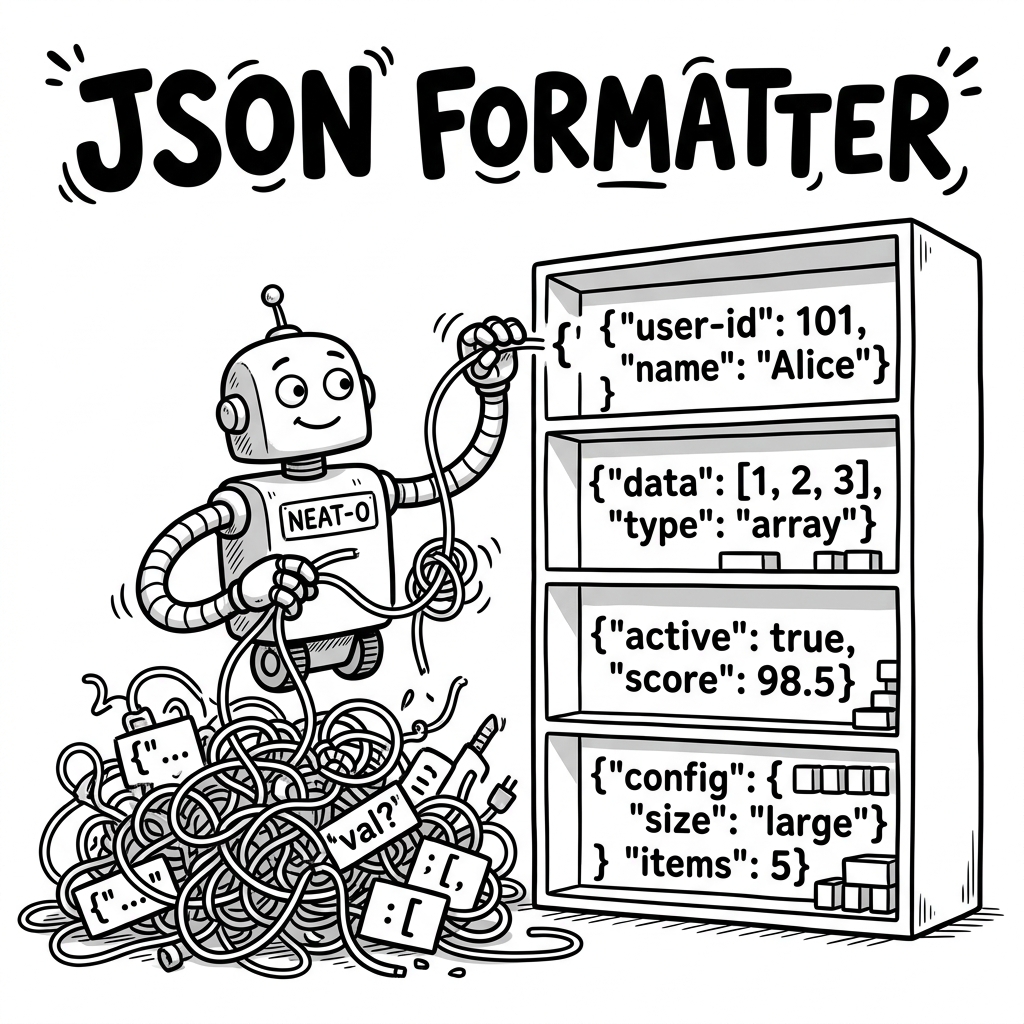
Format, validate, and explore JSON with syntax highlighting and smart auto-repair.
lock
Data never leaves your browser
Input
Try an Example:
data_object
Paste or type JSON in the input panel, then click Format
JSON Formatter Features
format_align_left
Format & Beautify
Paste messy JSON and get perfectly indented, syntax-highlighted output. Auto spaces your arrays and arrays into objects cleanly.
build
Smart Auto-Repair
Paste "dirty" JSON with trailing commas, single quotes, JavaScript prefixes, or comments. The pipeline repairs them efficiently to pure JSON automatically.
account_tree
Tree View Parsing
Switch to an interactive tree view to explore deeply nested JSON structures via native HTML expansions without breaking lines.
Common Repaired Errors Reference
| Error Type | Example String | Auto Fix |
|---|---|---|
| Trailing Comma | {"a": 1, "b": 2,} | Repaired |
| Single Quotes | {'key': 'value'} | Repaired |
| Unquoted Keys | {name: "Alice"} | Repaired |
| Embedded Comments | {"a": 1} // comment here | Repaired |
| JavaScript Prefix | var x = {"val": 1}; | Repaired |
JSON Examples & Patterns
Standard patterns to help you structure your data correctly. Use these to test formatting and validation.
Frequently Asked Questions
How do I format JSON online? expand_more
Paste your JSON into the input field above and click Format. The tool will instantly beautify your JSON with proper indentation and syntax highlighting. You can choose between 2-space, 4-space, or tab indentation using the dropdown.
Is my JSON data safe? expand_more
Yes — your data never leaves your browser. All formatting, validation, and auto-repair happens 100% client-side using JavaScript. No data is sent to any server. You can verify this by disconnecting from the internet and using the tool — it works completely offline.
What is the difference between JSON and a JavaScript object? expand_more
JSON is a strict text format: all keys must be double-quoted strings, values cannot include
undefined or functions, and trailing commas are not allowed. JavaScript objects are more permissive — they allow unquoted keys, single quotes, and trailing commas. This tool can auto-repair JavaScript-style objects into valid JSON.